4 days · 2 hrs each
Interactive lessons, a snack break, then build time with coaches helping the whole way.
Up to 10 kids
Small group, two coaches, lots of one-on-one help. Bring your own device — or borrow one of ours.
A real, live website
Every kid leaves with a published site — facts page, quiz, and a mini-game.
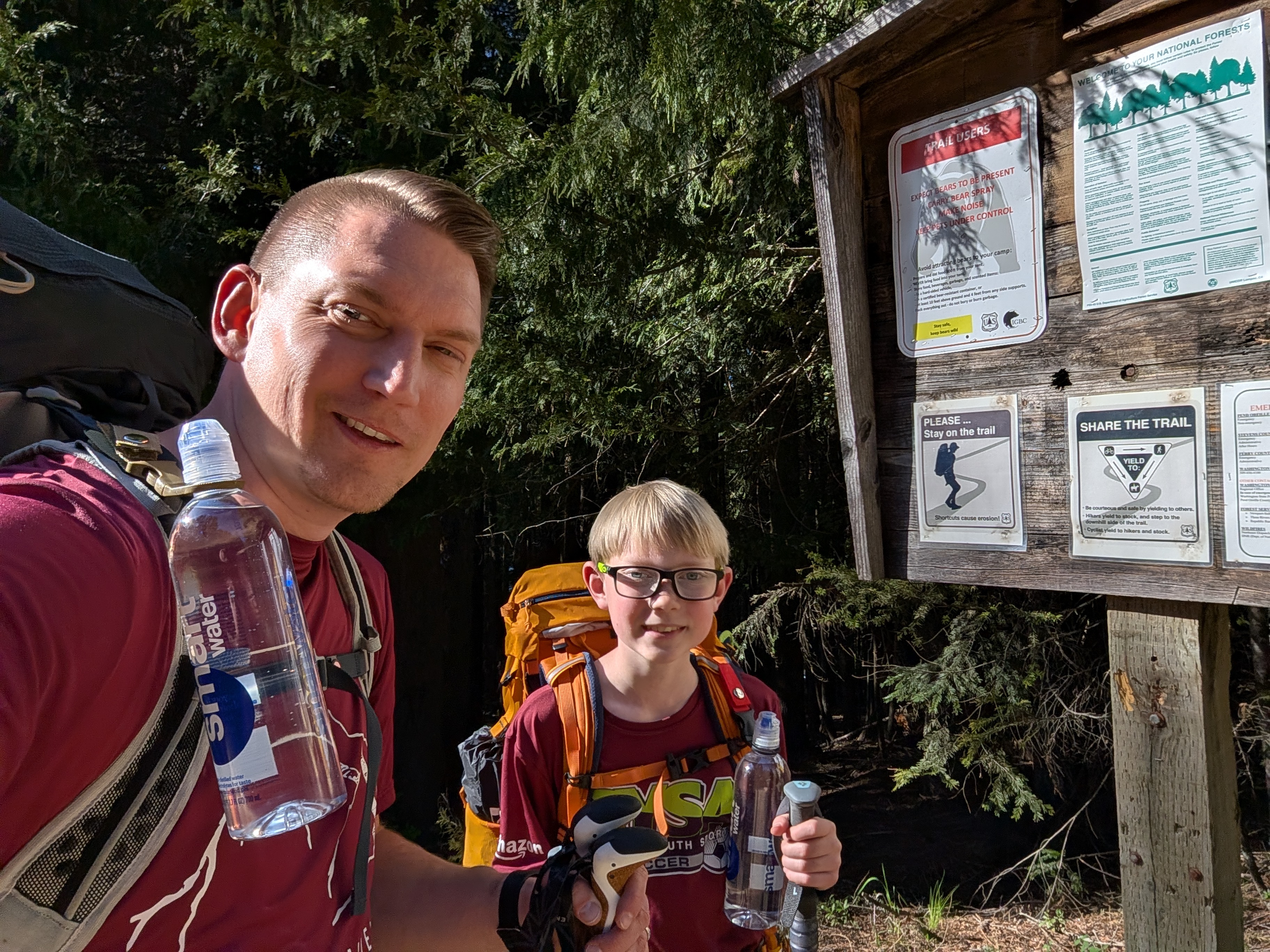
A father-son project 💚
Building websites and games is something my son and I genuinely love doing together — and this camp is our way of sharing that. Expect patient, hands-on help, a lot of encouragement, and the same "let's figure it out together" spirit we use at our own kitchen table.
What we'll build, day by day
The Blueprint & the Vibe
Explore a real example website and learn how it works — HTML (the bones) and CSS (the colors and style). No experience needed; we start from zero.
Become a Prompt Engineer 🤖
Design your own site and use AI (Google's Gemini) to build it. You write the instructions; the computer writes the code. The real skill of the camp.
Quiz + Game
Use your own AI prompts to add a scoring quiz and a game with a timer and high score. The "I feel like a wizard" day.
The Launch Party 🚀
Put it all together and publish it LIVE on the internet with a real URL. Then play each other's games in a gallery walk.
Is my child ready? What you'll need
Ages 9 and up
Camp is built for kids 9 and older. That age range keeps the pace and content right for everyone.
Comfortable typing
Kids should be able to find the letters and type words on a keyboard — there's a lot of typing. They don't need to be fast.
No coding required
Zero experience needed. We start from the very beginning — curiosity is the only must-have.
A device to build on
A Windows or Mac laptop is best, but a personal Chromebook (not a school one), an iPad/iPhone, or an Android tablet works great too — even a phone in a pinch. No device? We have a few to lend. Details in the FAQ.
Upcoming class dates
$100 per kid · spots are limited and fill up — reserve yours below.
Loading dates…
Have a question first? Check the Parent FAQ.
Dates don't work? Get notified.
Drop your name and email — we'll let you know as soon as new dates open up.
Still have questions?
We're happy to help you decide if camp is a good fit for your child.
Email usAlready signed up? Get your Coder Kit
Campers can download all the starter materials — templates, AI prompt guides, and an example site — with the code your coach gives you. No printing needed.
Download the Coder Kit →Ready to code?
$100 / kid
Each class is a small group — see the dates above. Pay by Venmo or cash after you register.
Register Now →💡 We talk about healthy screen habits too — coding is a tool, and good coders take breaks, move, and rest their eyes.